Sales Lifecycle
Understand how quotes, orders, reservations, deliveries, invoices, payments, credits, and returns fit together.
The Sales permission opens Sales in the sidebar: Invoices, Quotes, Orders, Delivery Notes, Credit Notes, Recurring Invoices, and Price lists. Confirming and reversing documents require separate action permissions for members whose access is limited.
Document flow
Quote → Sales order → Delivery note → Sales invoice → Payment
A transaction may start at a later step, but creating each document from the previous one is preferred. It carries the customer and lines forward, tracks what is still open, and builds the document timeline.
| Document | What confirming it does |
|---|---|
| Quote | Records an offer. No stock or financial effect. |
| Sales order | Records the customer's commitment and can reserve stock. |
| Delivery note | Takes products out of the warehouse. |
| Sales invoice | Creates the receivable and can prepare an outbound eFaktura. |
| Credit note | Reduces or reverses an invoiced amount. |
Draft, confirmed, reversed
- The main button on a new document saves and issues it in one step: Save and issue on a quote, invoice or credit note, Save and confirm order on an order, Save and ship goods on a delivery note. Save draft, in the arrow menu beside it, keeps a draft instead. A draft can be changed freely and has no stock or financial effect; a saved draft shows Issue, Confirm order or Ship goods.
- An issued document shows Confirmed and Locked, its content can no longer be edited, and its effects are active. Its header shows the chain of related documents and one button for the usual next step, such as Create delivery note on an order or Generate invoice on a delivery note. That button opens the next document filled in; nothing is saved until you save it.
- Reverse cancels a confirmed document and undoes its effects. It is offered only while no later document depends on it and the date is not in a locked period.
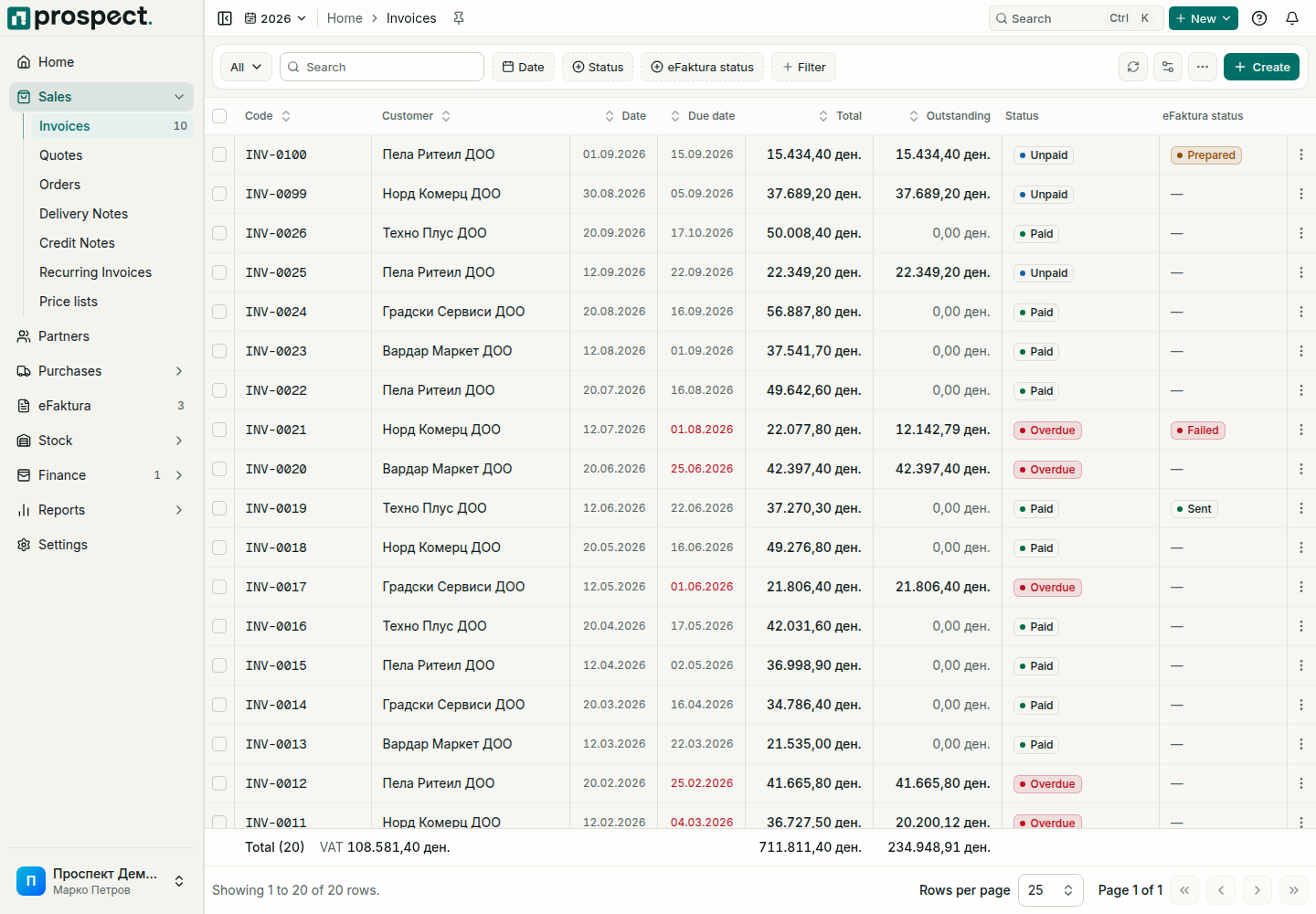
Payments update the invoice's status to Partially paid or Paid. An invoice past its due date shows Overdue. In the invoice list, the Unpaid filter finds every invoice with money still open, overdue ones included.
Do not reverse an earlier document while later ones depend on it. Use the timeline and the delivered and invoiced quantities on the order to decide whether to complete, close, credit, return, or reverse.
If your company does not use orders, an owner or administrator can hide them under Settings → Modules. See Company defaults and workflow policies.