Administration
Company Defaults and Workflow Policies
Configure company-wide defaults, document prerequisites, tolerances, stock rules, and payment behavior.
Only owners and administrators can change these settings. Test policy changes with a Draft before relying on them in daily work.
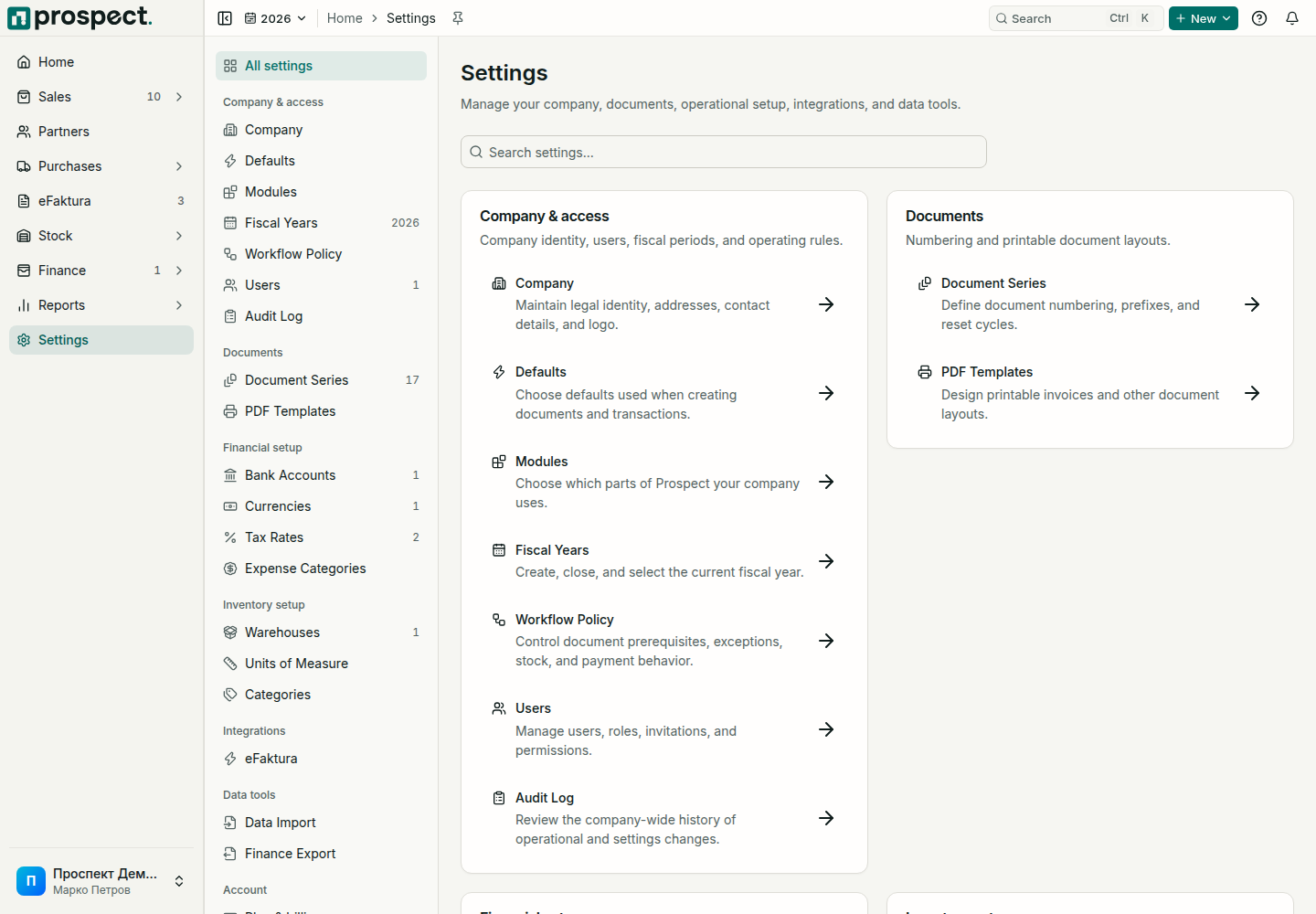
Settings hub
Workflow policies
Settings → Defaults
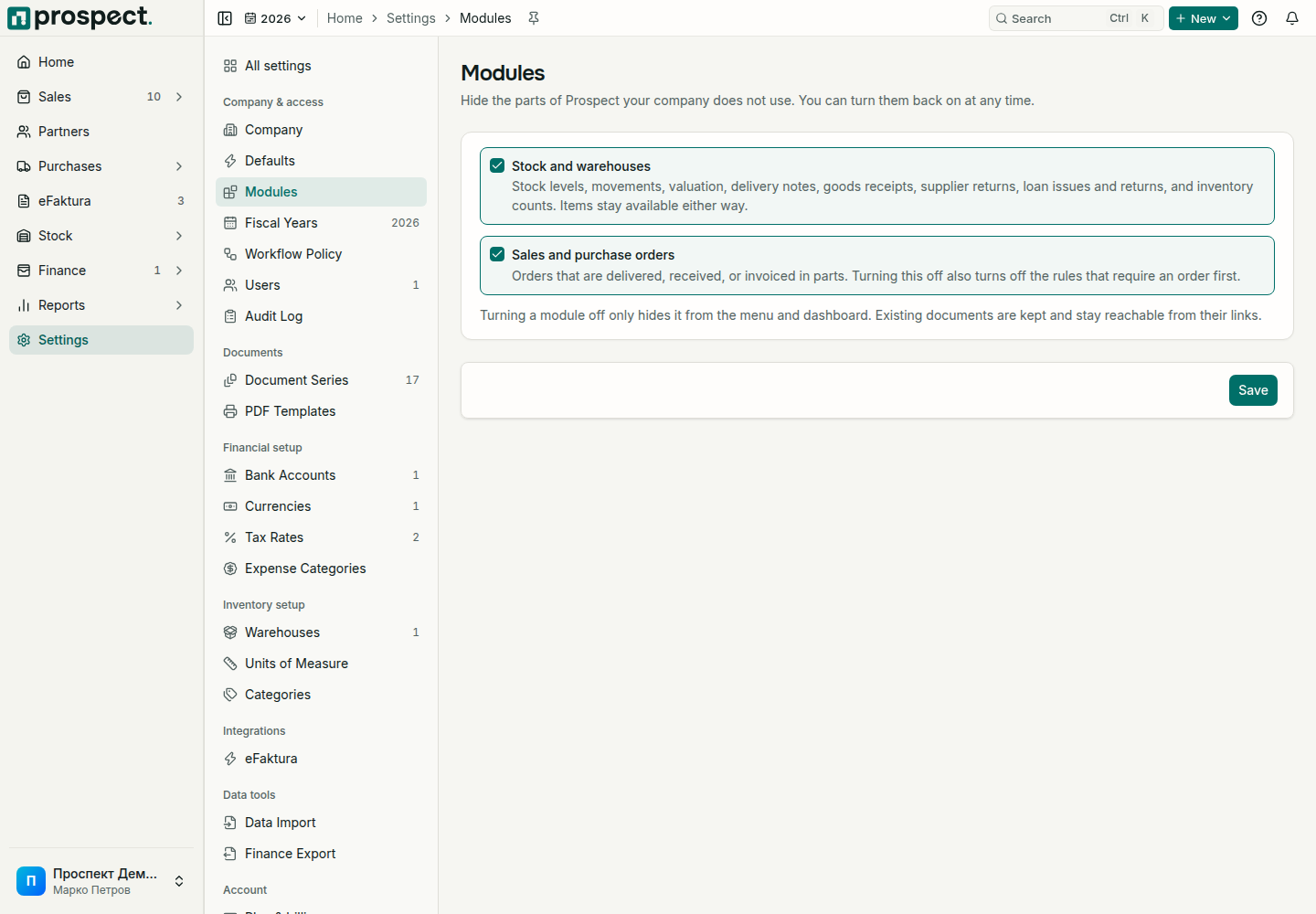
Settings → Modules
Choose how you work
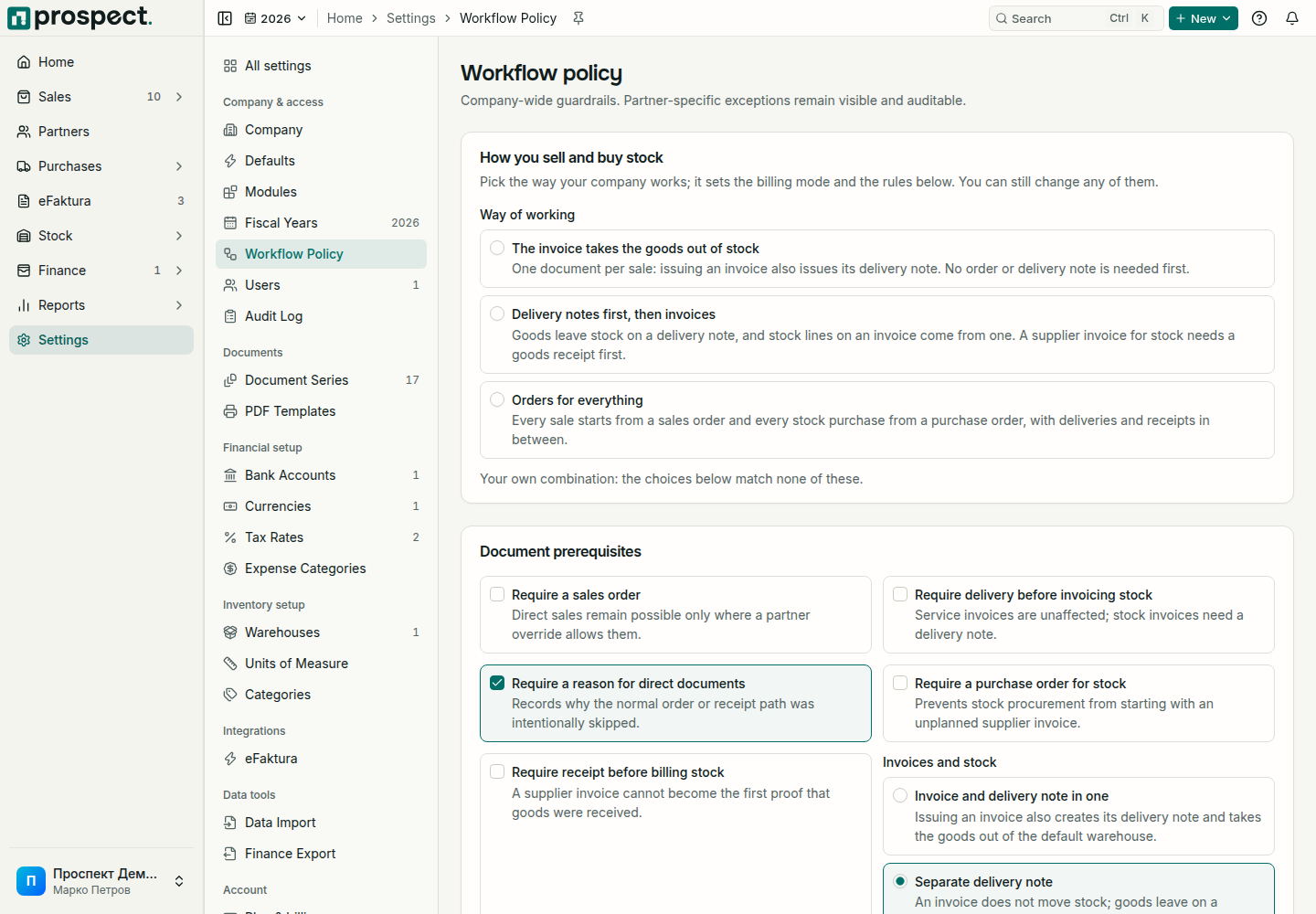
Settings → Workflow Policy starts with How you sell and buy stock. Pick the preset that matches your company:
| Preset | How it works |
|---|---|
| The invoice takes the goods out of stock | One document per sale: issuing an invoice also issues its delivery note. No order or delivery note is needed first. |
| Delivery notes first, then invoices | Goods leave stock on a delivery note, and stock lines on an invoice come from one. A supplier invoice for stock needs a goods receipt first. |
| Orders for everything | Every sale starts from a sales order and every stock purchase from a purchase order, with deliveries and receipts in between. |
The preset sets the Invoicing mode and the rules below it; you can still change any of them, and the page says when your choices match no preset. New companies with stock start with the first preset.
Configure deliberately
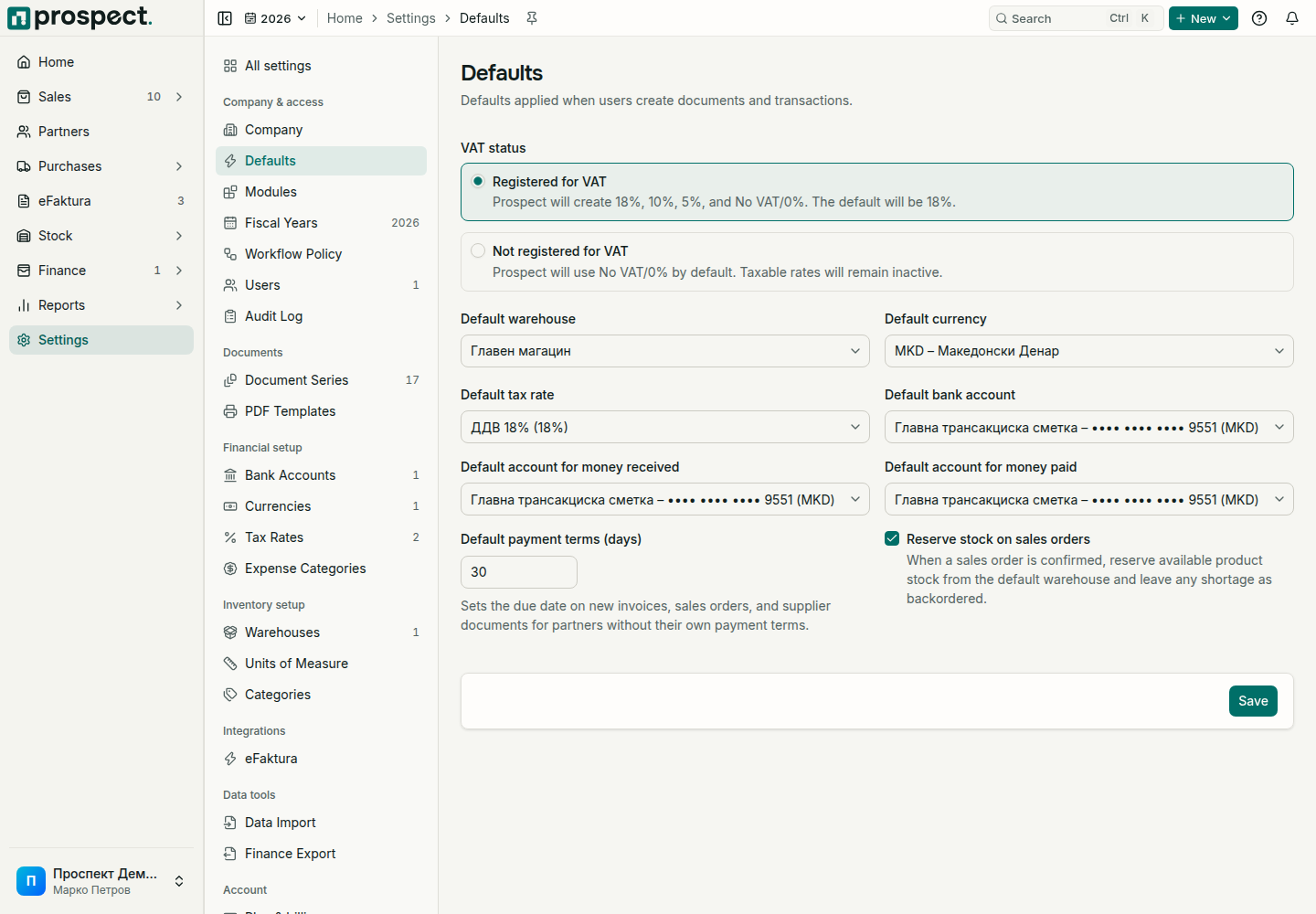
- Defaults: normal warehouse, currency, tax rate, payment terms, and document choices prefill future entries.
- Sales prerequisites: require an order, delivery for stocked invoices, or a reason for direct transactions.
- Purchase prerequisites: require a purchase order or receipt before stock billing.
- Tolerance and stock: set over-fulfillment tolerance and whether authorized users may override negative stock.
- Payments: decide whether excess customer receipts or supplier advances can remain as credit.
- Periods and eFaktura: define correction and default delivery expectations.
Changes do not rewrite confirmed history. Overrides require their dedicated permission and a reason recorded in activity. Review policies after organizational or compliance changes.