Fiscal Years and Locked Periods
Define operating periods and prevent ordinary posting into closed years.
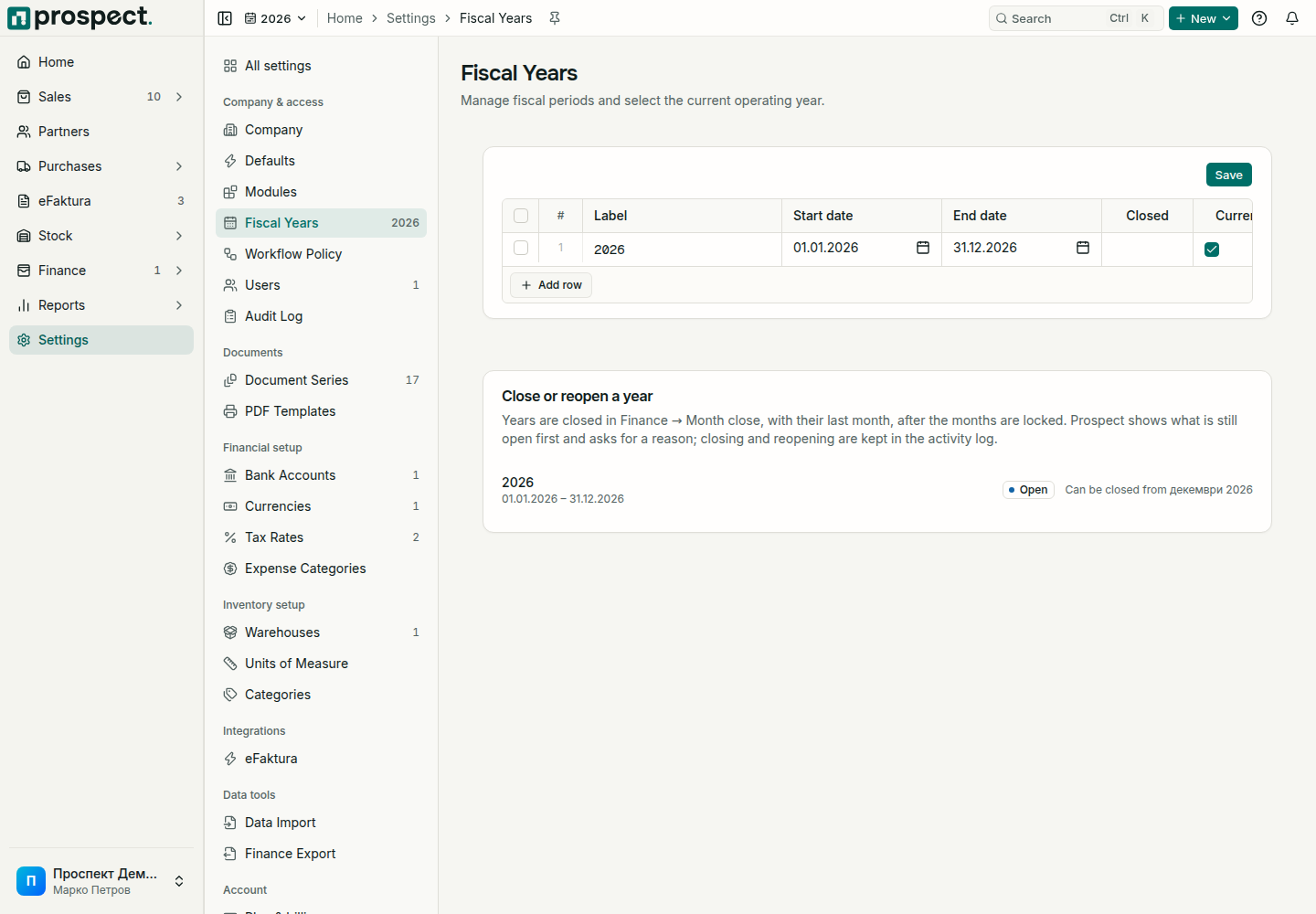
Create non-overlapping fiscal years that cover the document dates your company will use. Mark the appropriate year current and configure document series within it.
Each year shows its state: Open, Can be closed from a month, or Closed with the date. Years are closed and reopened in Finance → Month close, with their last month, after the months are locked. Prospect first shows what is still open in the year and asks for a reason; closing and reopening are kept in the activity log.
Before closing, resolve drafts, eFaktura documents that are not sent, unmatched bank lines, unfinished costings, and supplier invoices waiting in the inbox. Generate and keep the reports and accounting bundles you need.
A closed year blocks issuing, changing, or cancelling documents dated in it: invoices, credit notes, delivery and goods received notes, supplier documents, stock documents, and opening balances. Stock values up to the end of the year are fixed. Payments can still be recorded and matched. To correct something, reopen the year with a reason, or use a correcting document in the current period when your accounting policy requires it; confirm the method with the accountant.
Never change dates solely to evade a lock. See Document series and Accounting handoff.